
Microsoft Written Instructions

Create Hyperlinks in Microsoft Word with Ctrl+V

https://youtube.com/shorts/OpnMOJMYAc4 You can create hyperlinks in Microsoft Word by copying a URL, highlighting your text, and pressing Ctrl+V. Word adds the hyperlink directly to the...

Excel Slicers for Tables: Filter Without the Drop-Down

https://youtube.com/shorts/PEyZhzqf75w Subscribe for More Tutorials ...

How to Remove Blank Rows in Excel in Seconds

https://youtube.com/shorts/MxQWNYSnThE Blank lines can turn a clean worksheet into a cluttered mess. If you're trying to filter, sort, or build a pivot table, those gaps...

Automatically Bold Totals in Excel (No Tables Required)

Totals should not depend on row numbers, and you definitely shouldn't be formatting them manually. When you have about 200 rows of data (and...

LibreOffice Written Instructions

Print Specific Pages and Selected Text in LibreOffice Writer

https://youtu.be/a1rj47UdsyQ You can print specific pages in LibreOffice Writer by choosing Pages in the print dialog and entering the page numbers or ranges you want....

Watch on YouTube

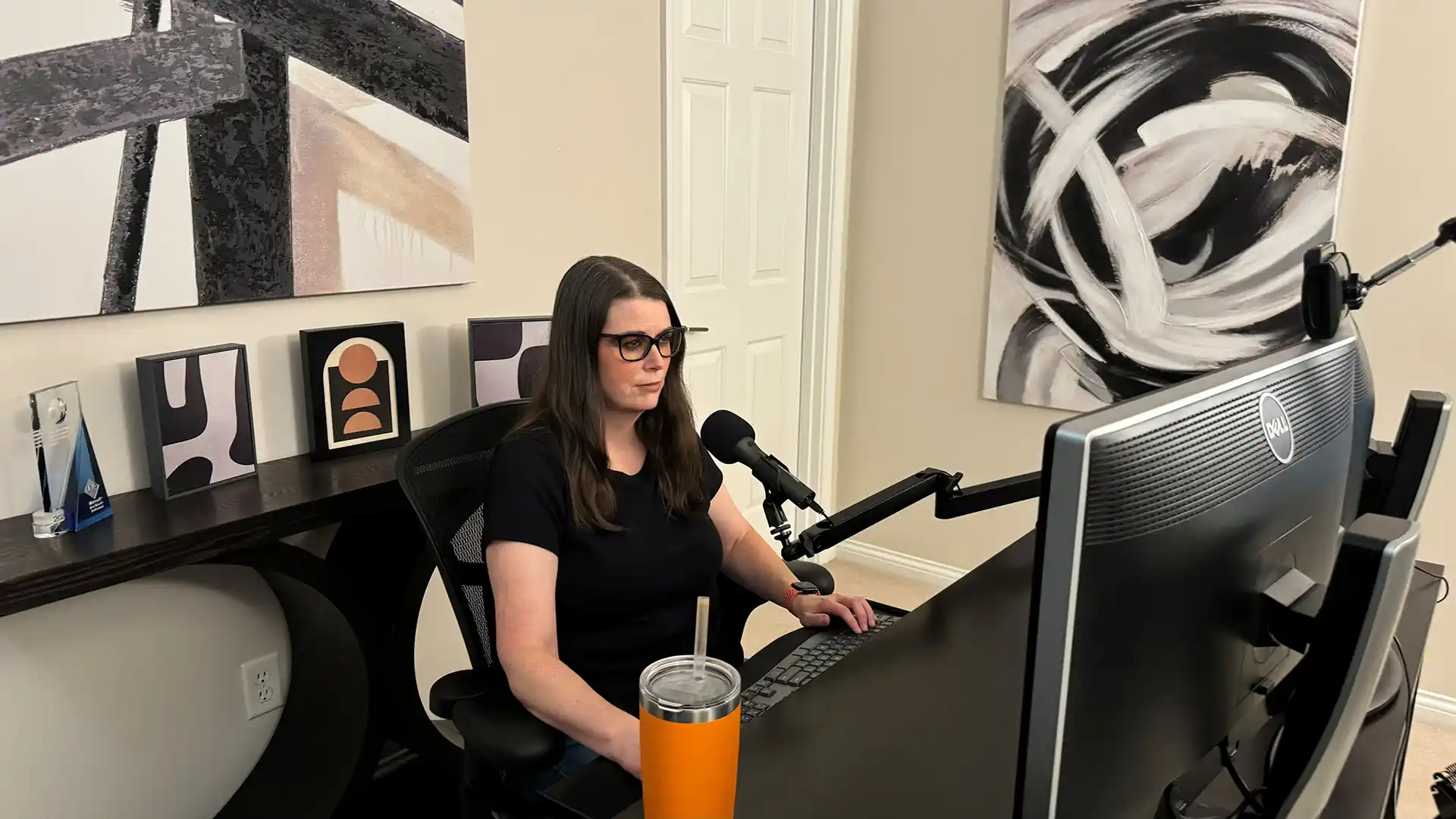
My YouTube channel features free tutorials covering Microsoft 365, LibreOffice, automation, business intelligence, and productivity.

I use real-world examples to demonstrate practical software solutions for individuals and businesses of all sizes.

Every tutorial also includes step-by-step written instructions here on my website.
Amazing. This just saved me a thousand dollars of time. So grateful! Thank you!!

Brian Wallace

New subscriber here. I just discovered your channel after starting a data analytics course and am telling all my classmates! Thanks for the content.

Jeremy Alcorn

You're a lifesaver! Thank you!!!

Donna Saud

This was incredible, and so easy to follow along with! Thank you for this!

DK